Neighborhood Watchers — UI Reskin Reference v2
Every UI surface re-captured in play mode after the chalk reskin. Captioned with source prefab, hierarchy, and current reskin status.
CHALK graphite-wash fill + chalk frame applied (the reskin).
PLAIN still the old flat/transparent panel — candidate for reskin.
BESPOKE intentional one-off treatment (street-sign, dlg_box, styled title) — left alone.
Reskin plan & status: ui-reskin-map.html ·
Chalk system notes in agent memory:
chalk-panel-reskin-system.
Lobby & Main Menu
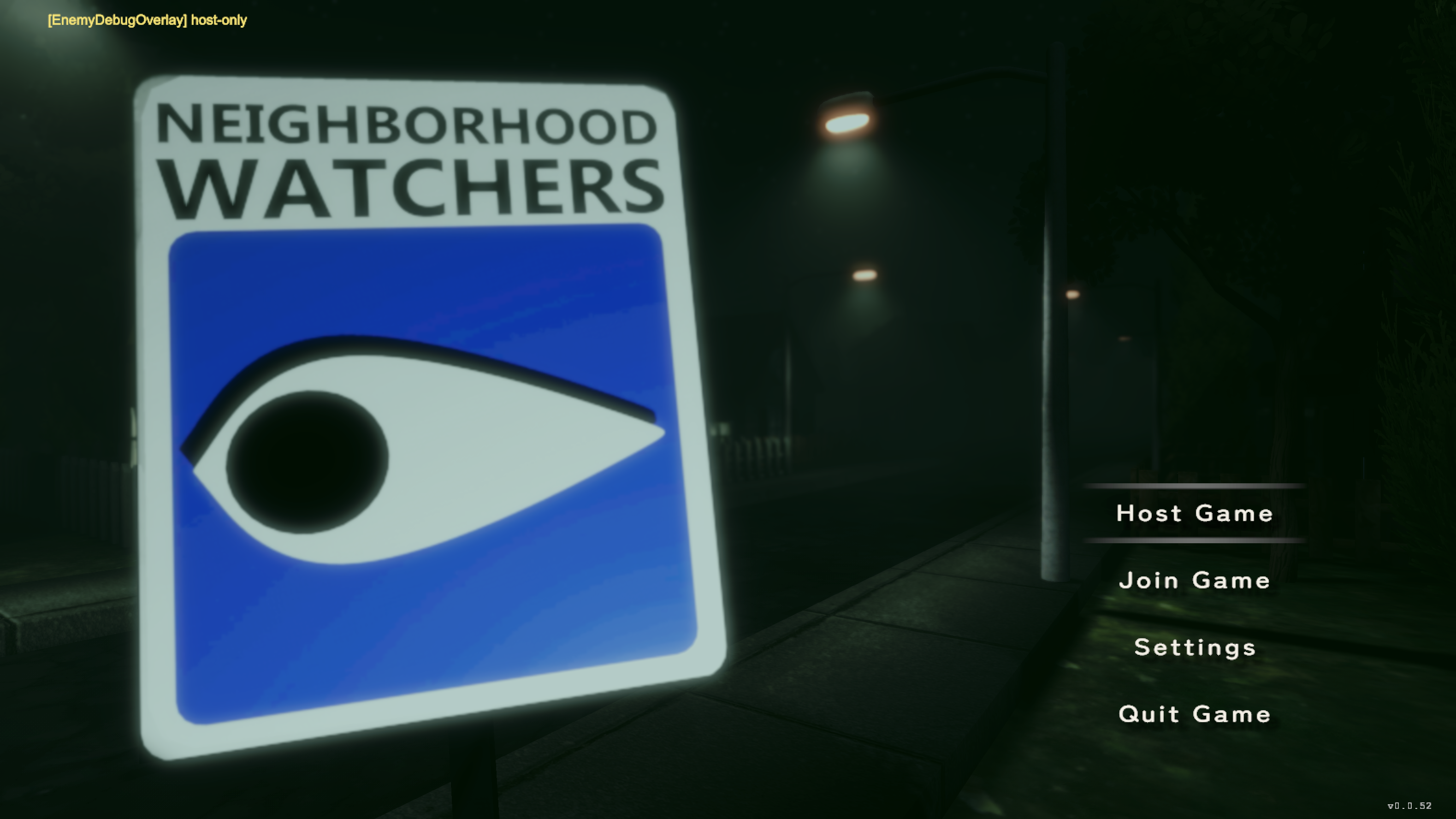
Main Menu BESPOKE #00
UI/LobbyCanvas.prefab (
_StartupScene)
LobbyCanvas › LobbyUI › {
UIButton_HostGame, UI_Button_JoinGame,
UIButton_Settings, UIButton_QuitGame }
street-sign logo art; not part of the chalk family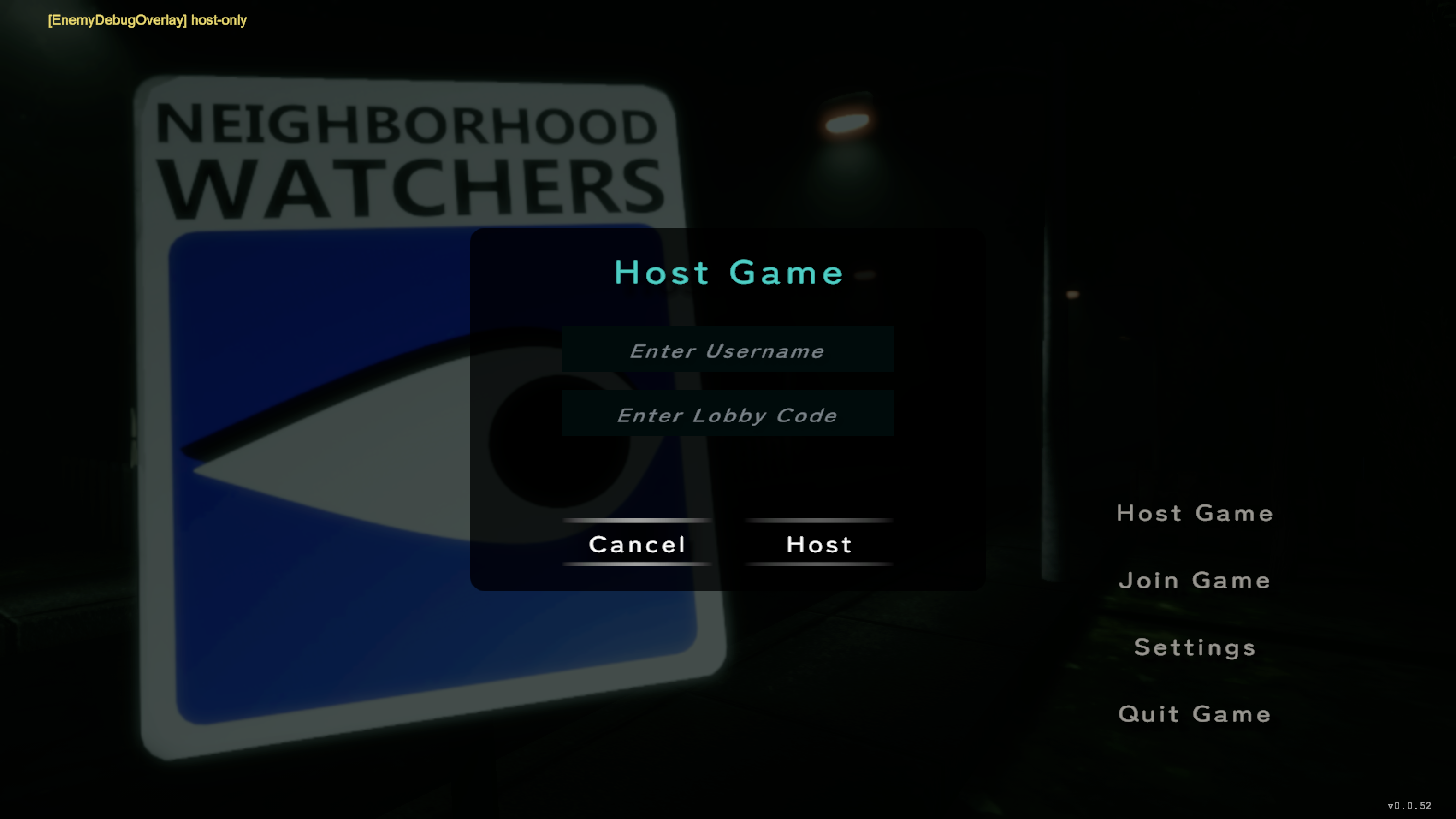
Host / Join Popup PLAIN #19
UI/LobbyCanvas.prefab › JoinHostPopup
JoinHostPopup › PopupRoot › {
Backdrop, Panel › { Header, UsernameInputField,
LobbyCodeField, ConfirmButton, CancelButton } }
this LIVE inline popup is plain dark. The standalone
UI/HostJoinPopup.prefab has the chalk frame but isn't the
one shown in the lobby flow — reconcile.
Dialogue & HUD
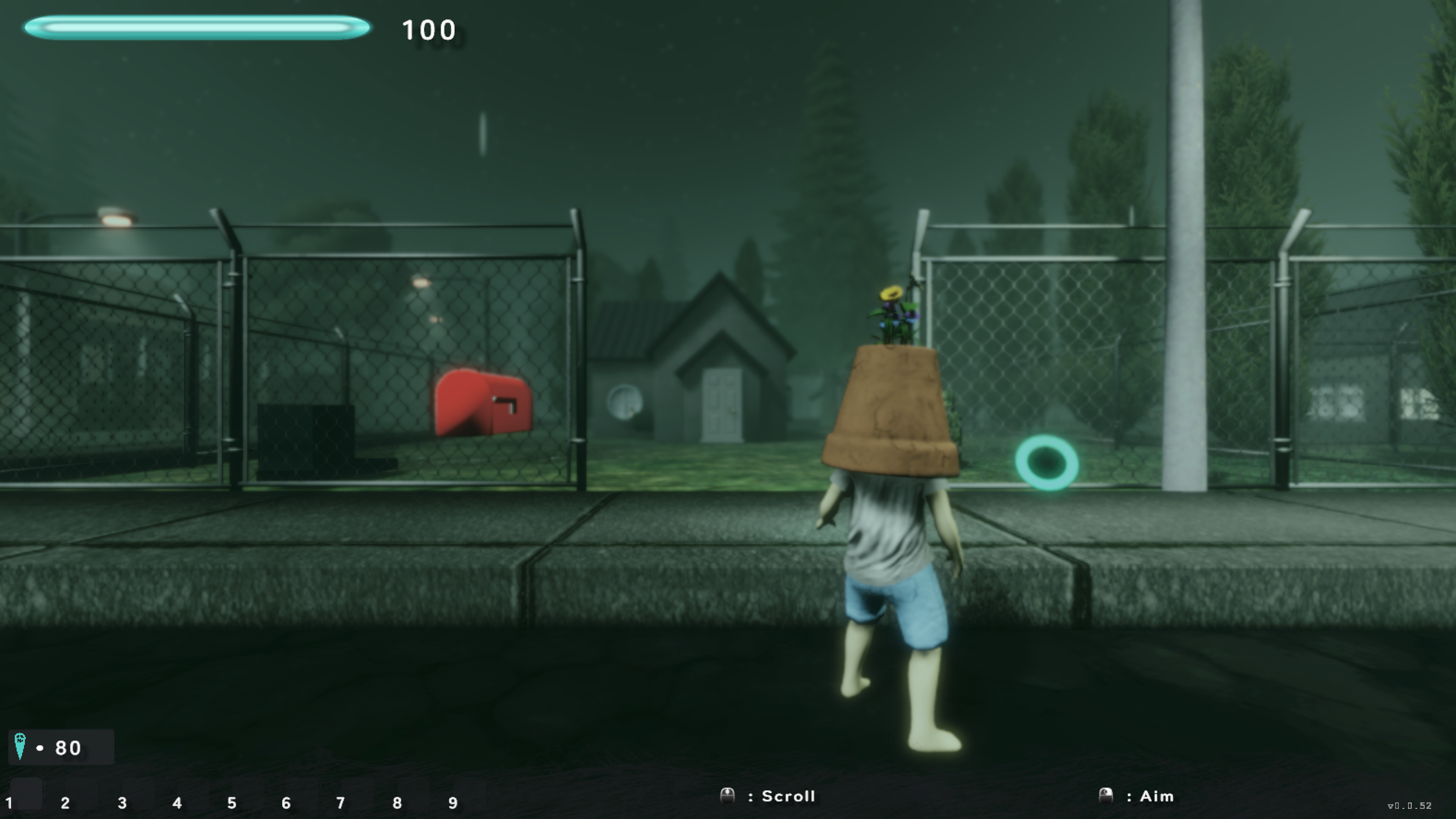
Gameplay HUD N/A #01
runtime canvases (Screen Space Overlay)
HPUI (health bar) · Quest Canvas · ReleasePowerUI
UI/Inventory/InventoryCanvas.prefab (hotbar 1–9)
spirit count, Scroll/Aim context prompts
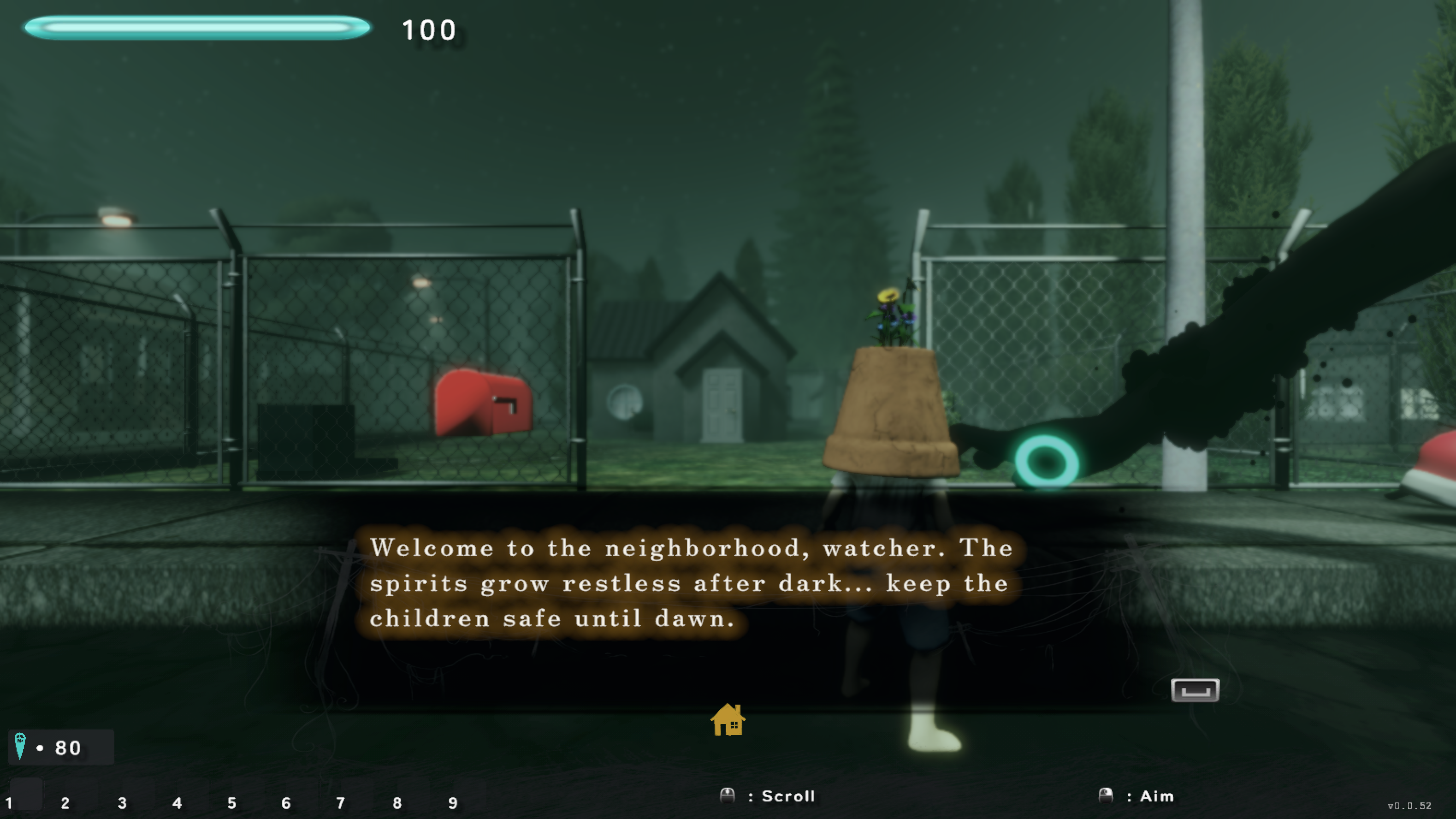
Dialogue UI BESPOKE #18
UI/DialogueUI.prefab (DontDestroyOnLoad)
DialogueUI › Panel › { WiresOverlay, HouseIcon,
DialogueText, ButtonChoicePanel, ResumeButton }
box = baked dlg_box.png; pending reconcile
Settings one shared SettingsPanel (PauseMenu instance) — 4 tabs
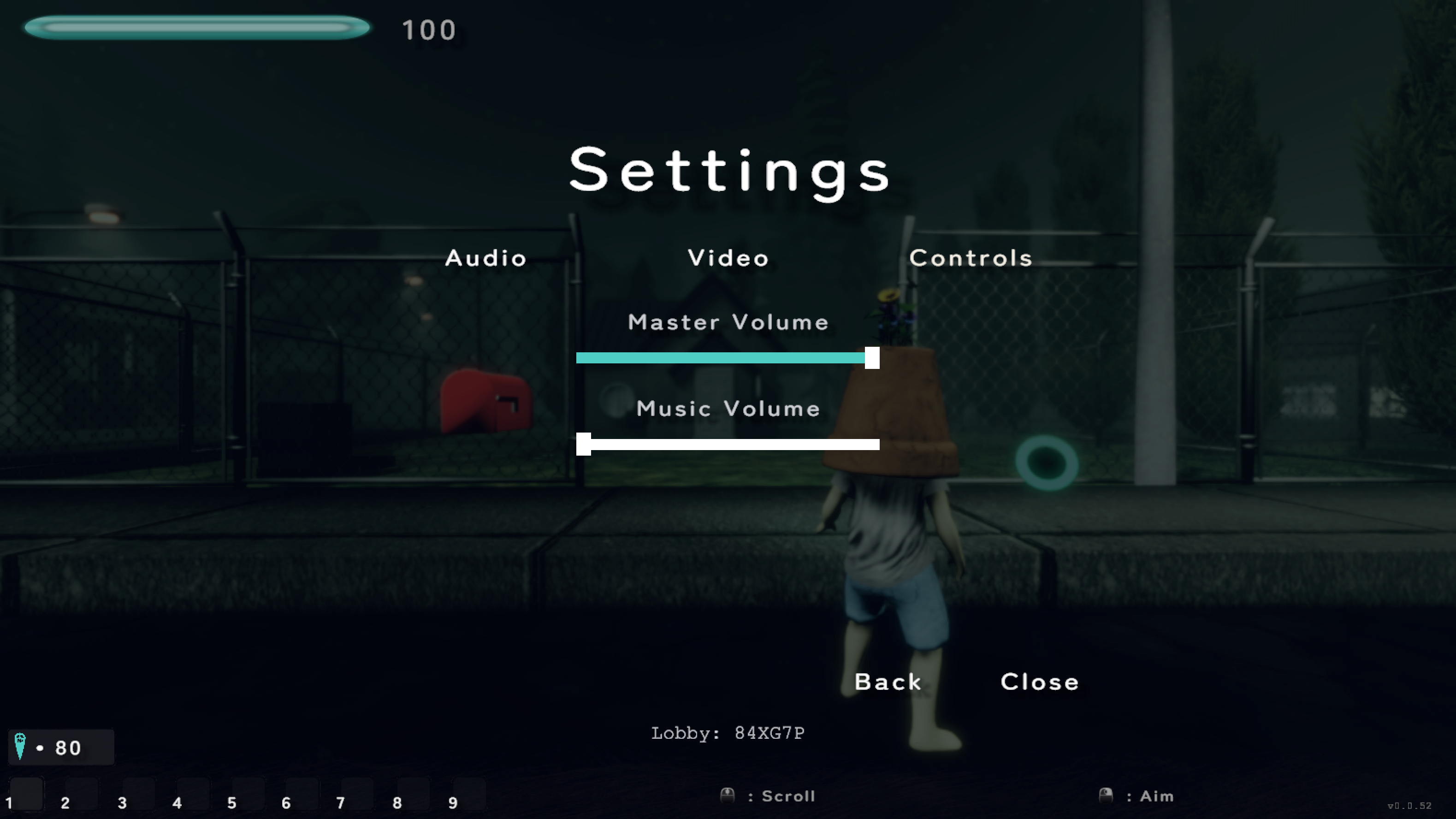
Settings — Audio BESPOKE #08
UI/SettingsPanel.prefab
SettingsPanel › AudioPanel › {
MasterVolumeSlider, MusicVolumeSlider }
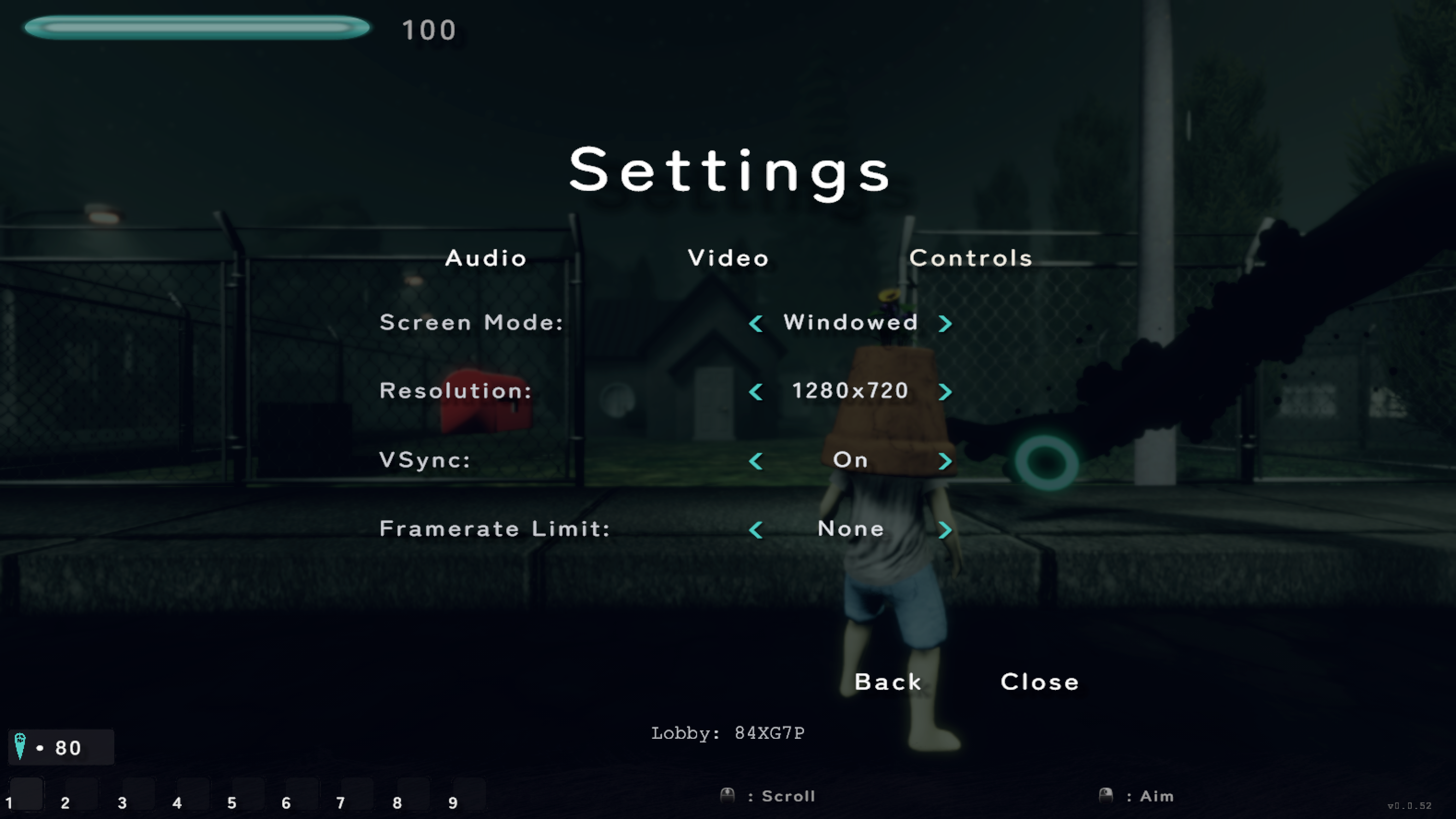
Settings — Video BESPOKE #09
UI/SettingsPanel.prefab
SettingsPanel › VideoPanel › {
Screen Mode · Resolution · VSync ·
Framerate Limit (Prev ‹ value › Next) }
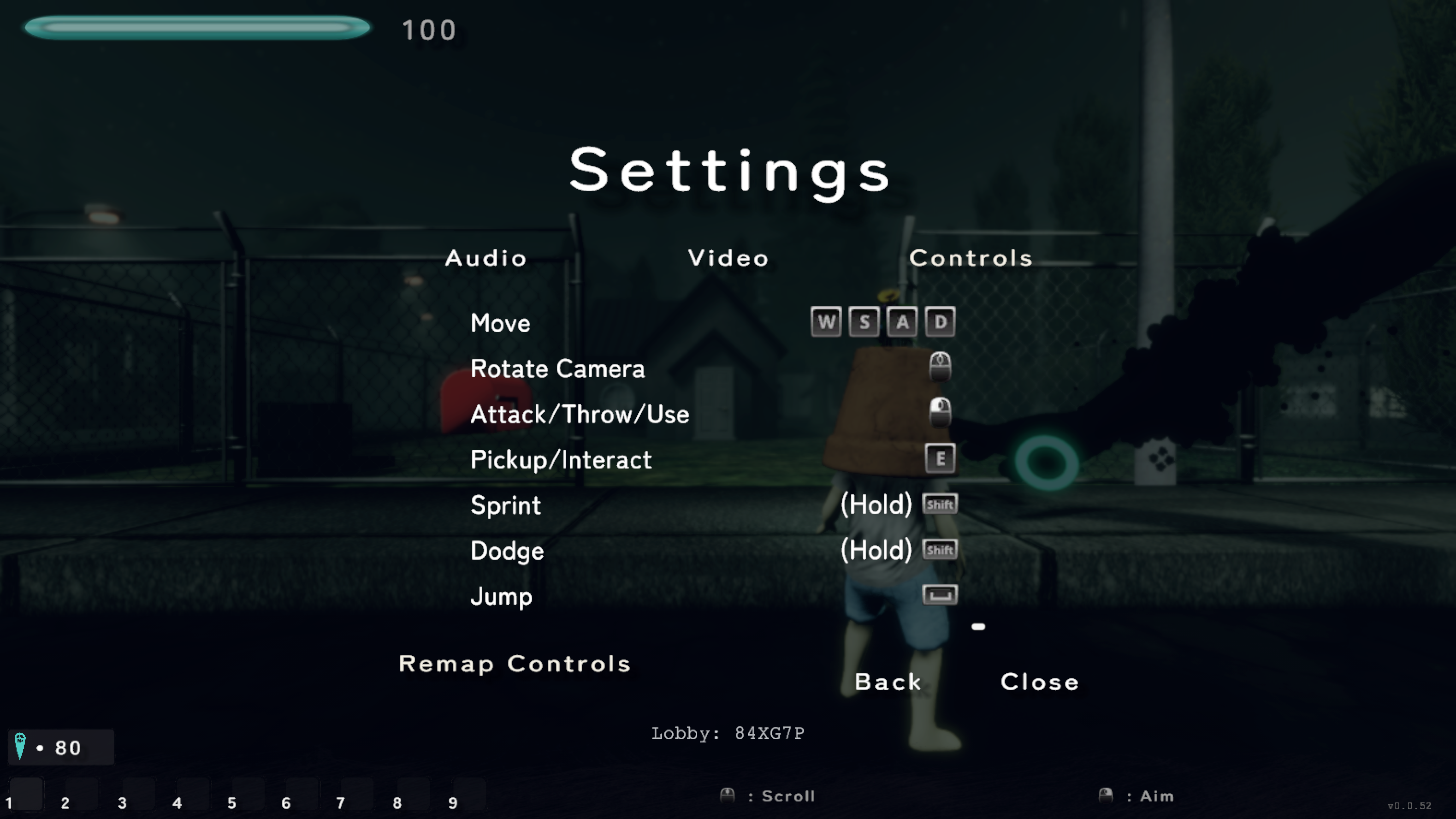
Settings — Controls NEW #10
UI/SettingsPanel.prefab (new since v1)
SettingsPanel › ControlsPanel › {
Move, Rotate Camera, Attack/Throw/Use,
Pickup/Interact, Sprint, Dodge, Jump + glyphs,
Remap Controls button › ControlRebindPanel }
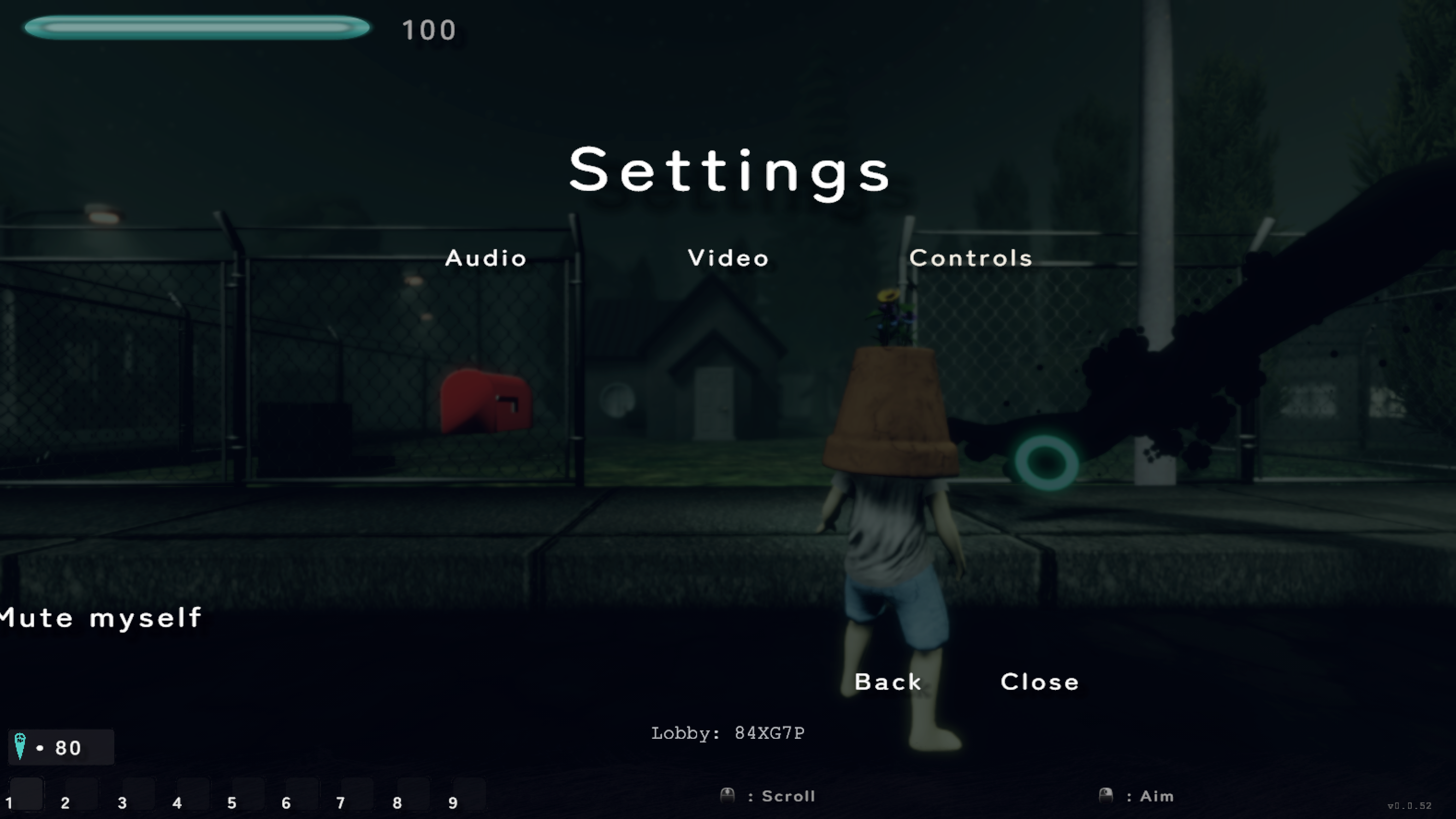
Settings — Voice BESPOKE #11
UI/SettingsPanel.prefab
SettingsPanel › voicePanel › muteSelfToggle › Label
"Mute myself" toggle, left-aligned (checkbox sits
at the panel's left edge — layout quirk, pre-existing)
Popups
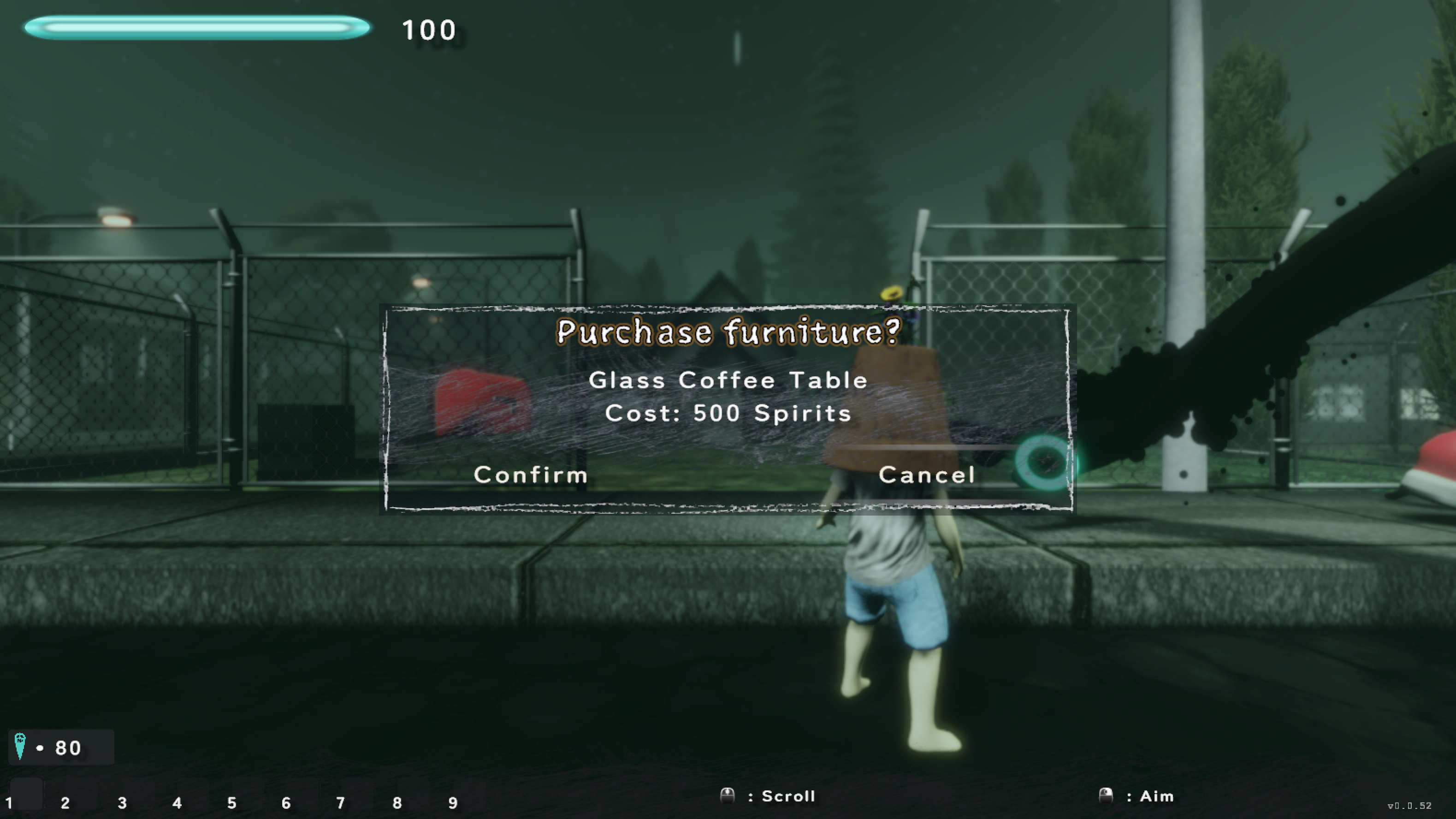
Purchase Confirmation CHALK #12
UI/Confirmation Popup.prefab (ShopConfirmationCanvas)
Confirmation Popup › { ChalkFrame, Header Text,
Body Text, UIButton_Confirm, UIButton_Cancel }
wide chalk frame + wash; the v1 chrome bevel is gone
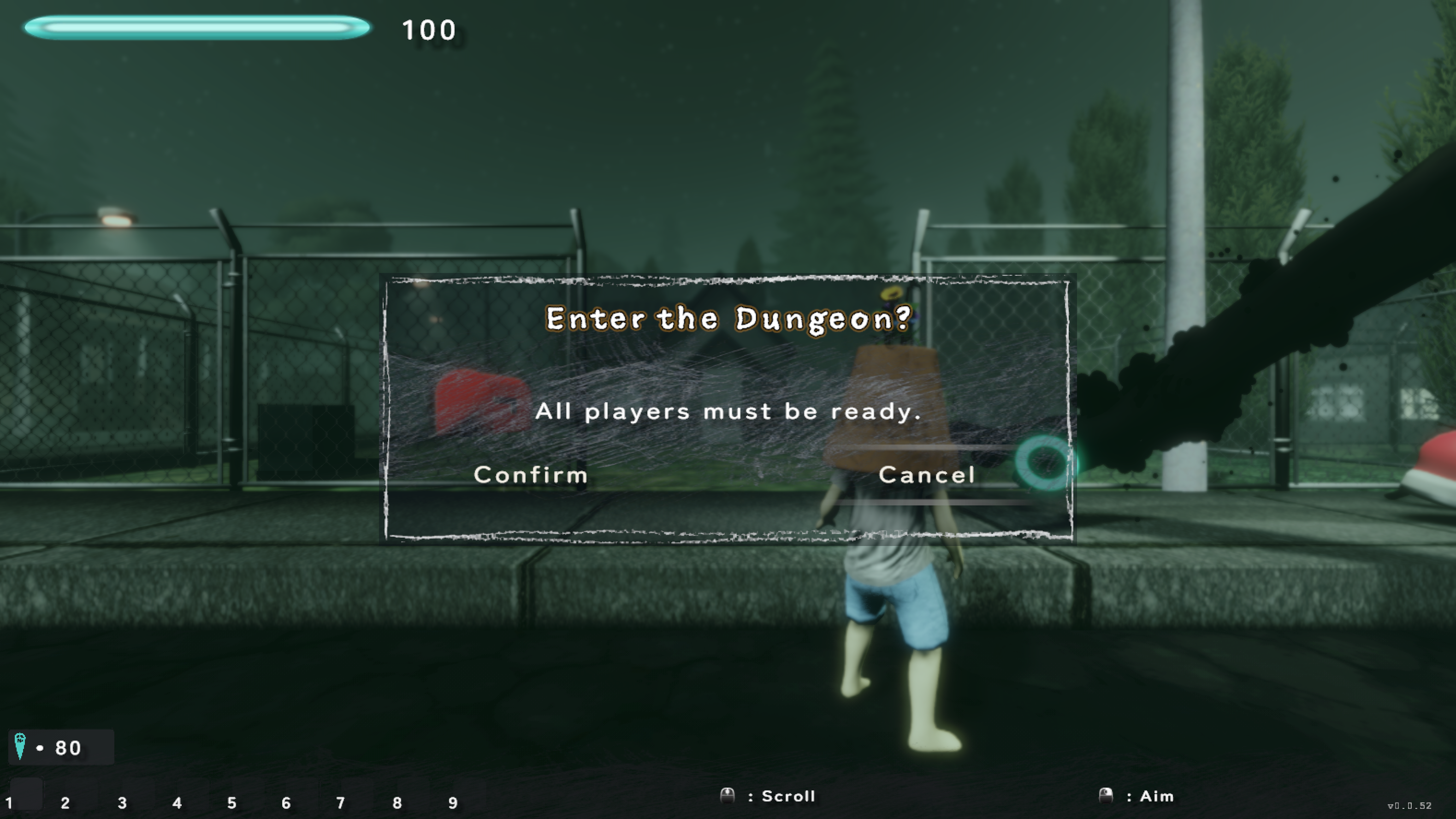
Ready-Up / Enter Dungeon CHALK #13
ReadyUpCanvas (LobbyScene)
ReadyUpCanvas › Confirmation Popup [inst]
same chalk prefab as #12
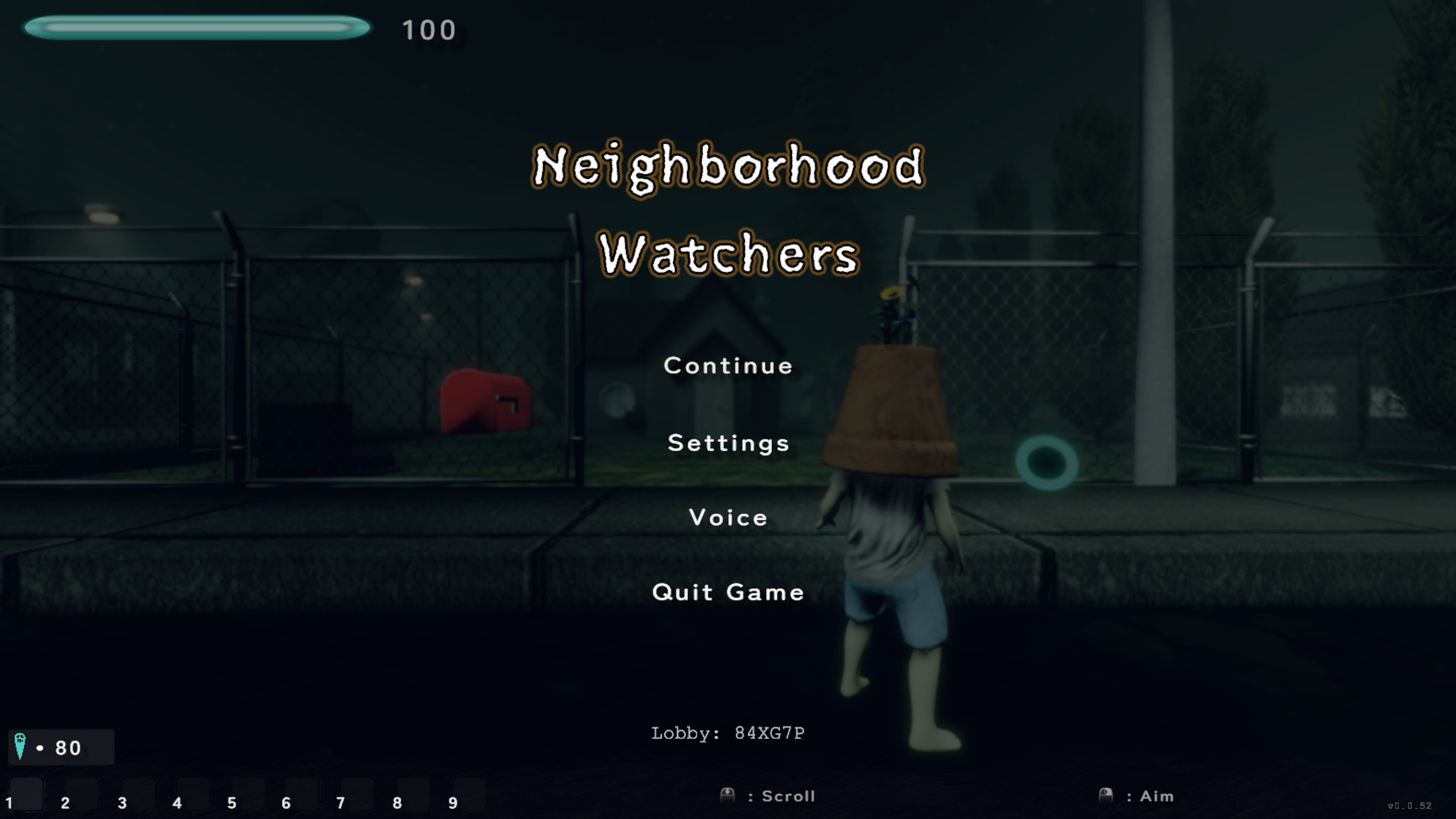
Pause Menu BESPOKE #07
runtime canvas
PauseMenu › { Backdrop (dim), PauseMenuPanel ›
{ styled title, Continue, Settings, Voice, Quit },
LobbyCodeText }
Plot panels UI/PlotCanvas.prefab + nested menu prefabs
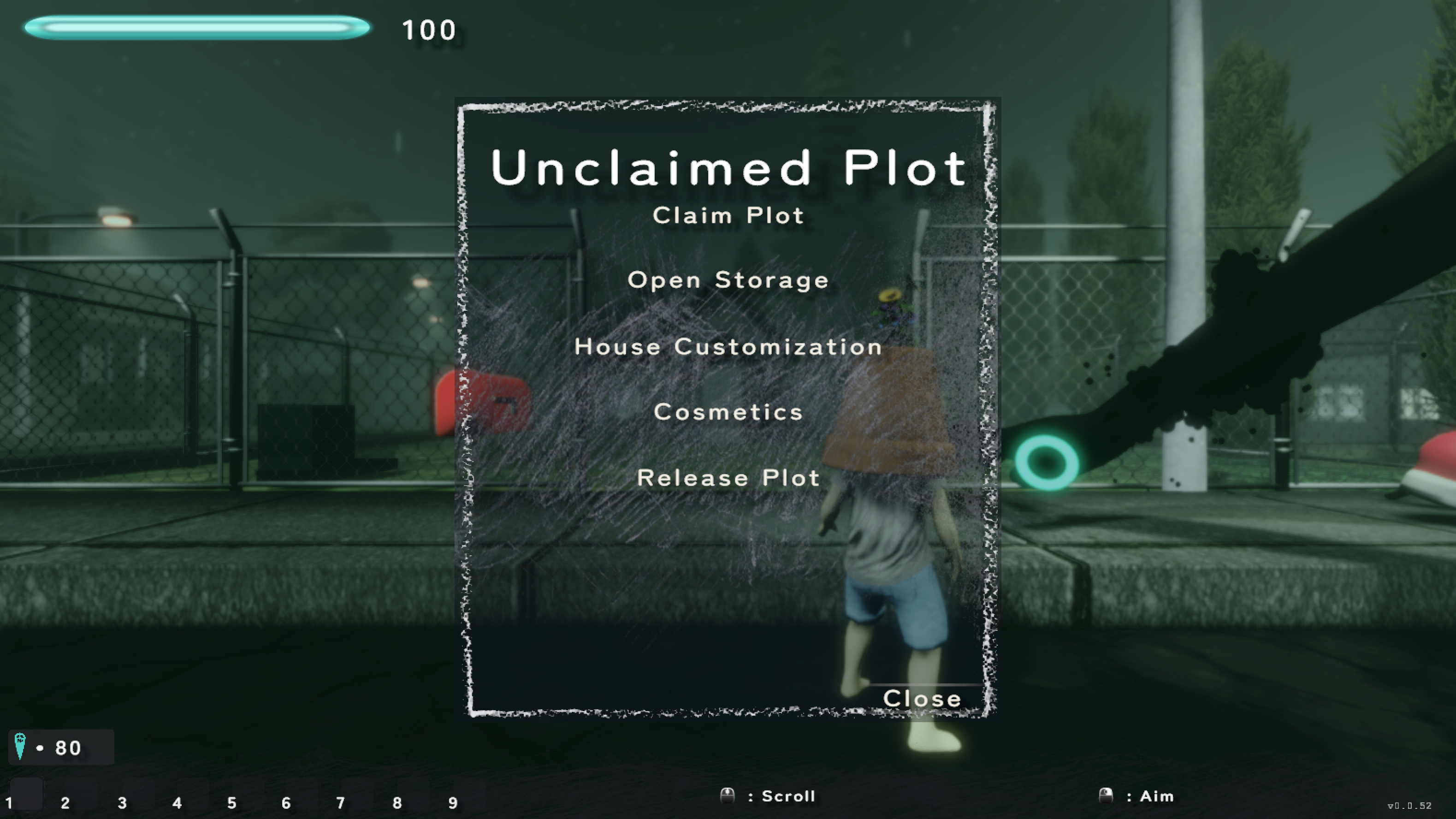
Plot Menu CHALK #02
UI/PlotCanvas.prefab
PlotCanvas › MenuPanel › {
ChalkFrame, Claim Plot, Open Storage,
House Customization, Cosmetics, Release Plot,
Close, header Text }
tall chalk frame + wash; buttons divider-bar-free
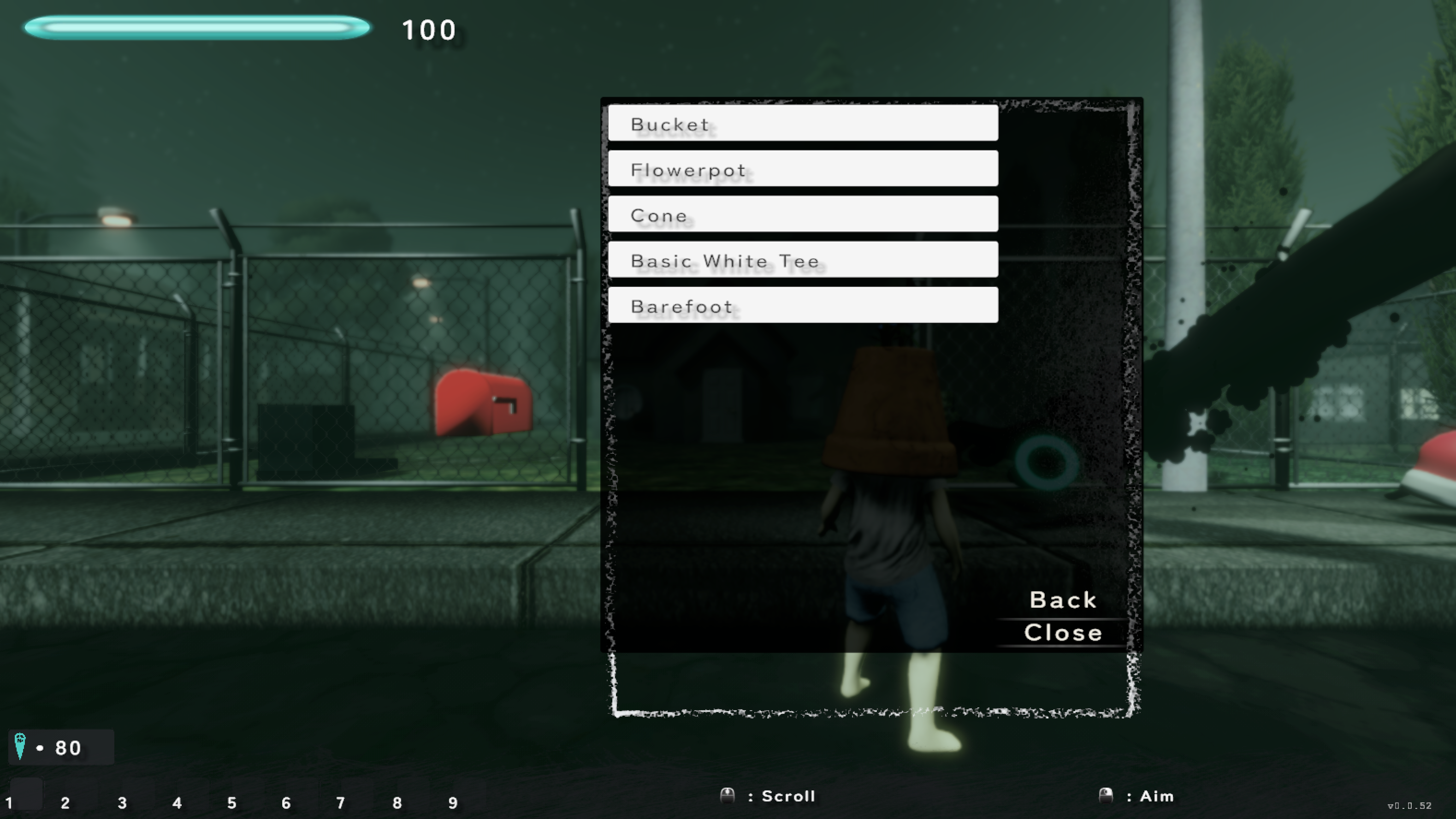
Cosmetic Menu (Equippables) CHALK #04
UI/Cosmetic Menu.prefab
Cosmetic Menu › Cosmetic Panel (chalk frame + wash) ›
Scroll View › Content › [rows] · Back · Close
tall chalk frame; rows are still white buttons
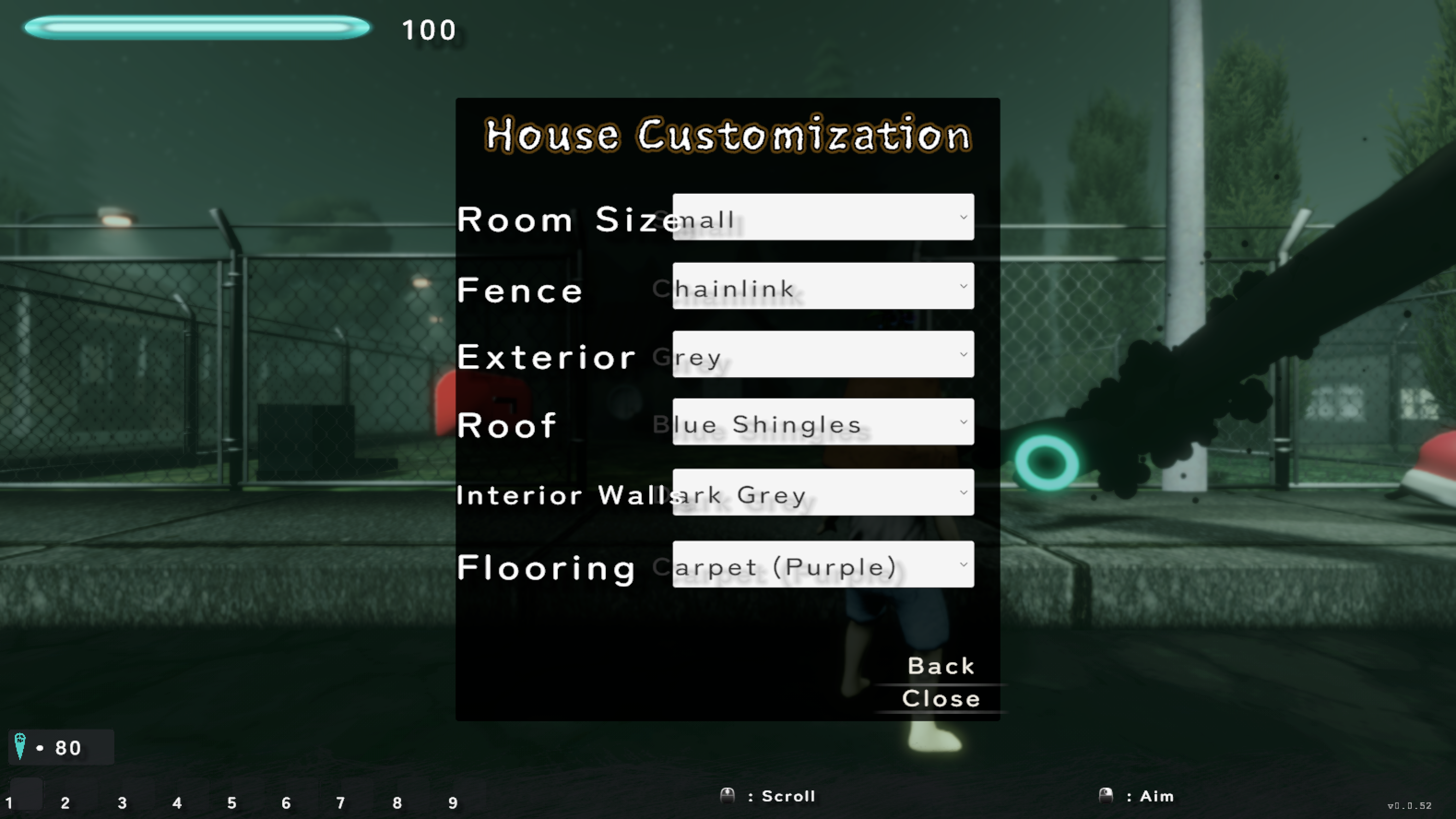
House Customization PLAIN #03
UI/PlotCanvas.prefab
PlotCanvas › HouseSettingsPanel › {
Room Size · Fence · Exterior Wall · Roof ·
Interior Wall · Flooring Dropdown (×6),
labels, Back, Close }
flat dark panel — not yet chalked; labels crowd dropdowns
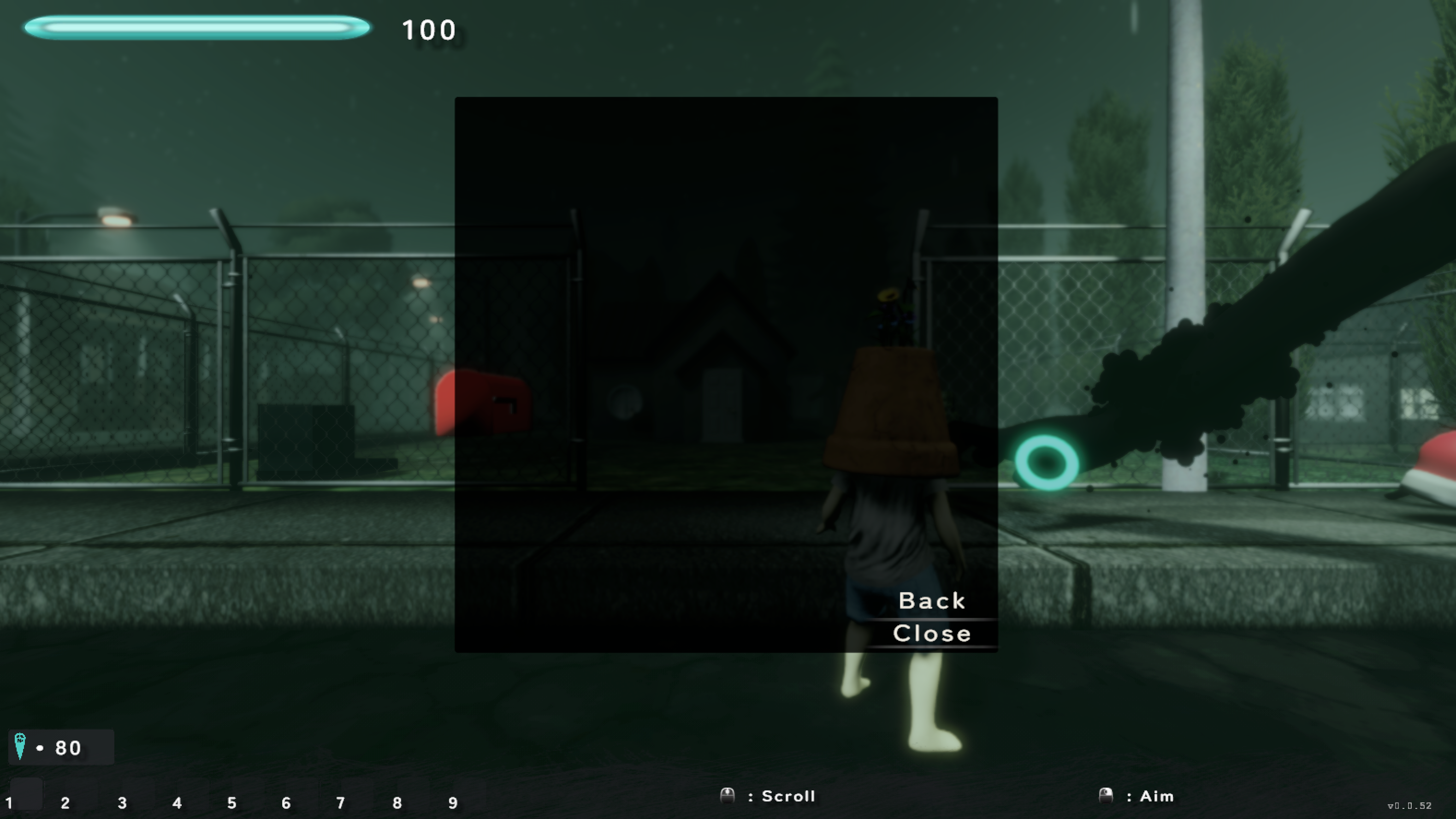
Rewards Menu PLAIN #05
UI/PlotCanvas.prefab
PlotCanvas › RewardsMenu › {
Rewards Panel › Scroll View, Back, Close }
flat dark panel; empty when no rewards
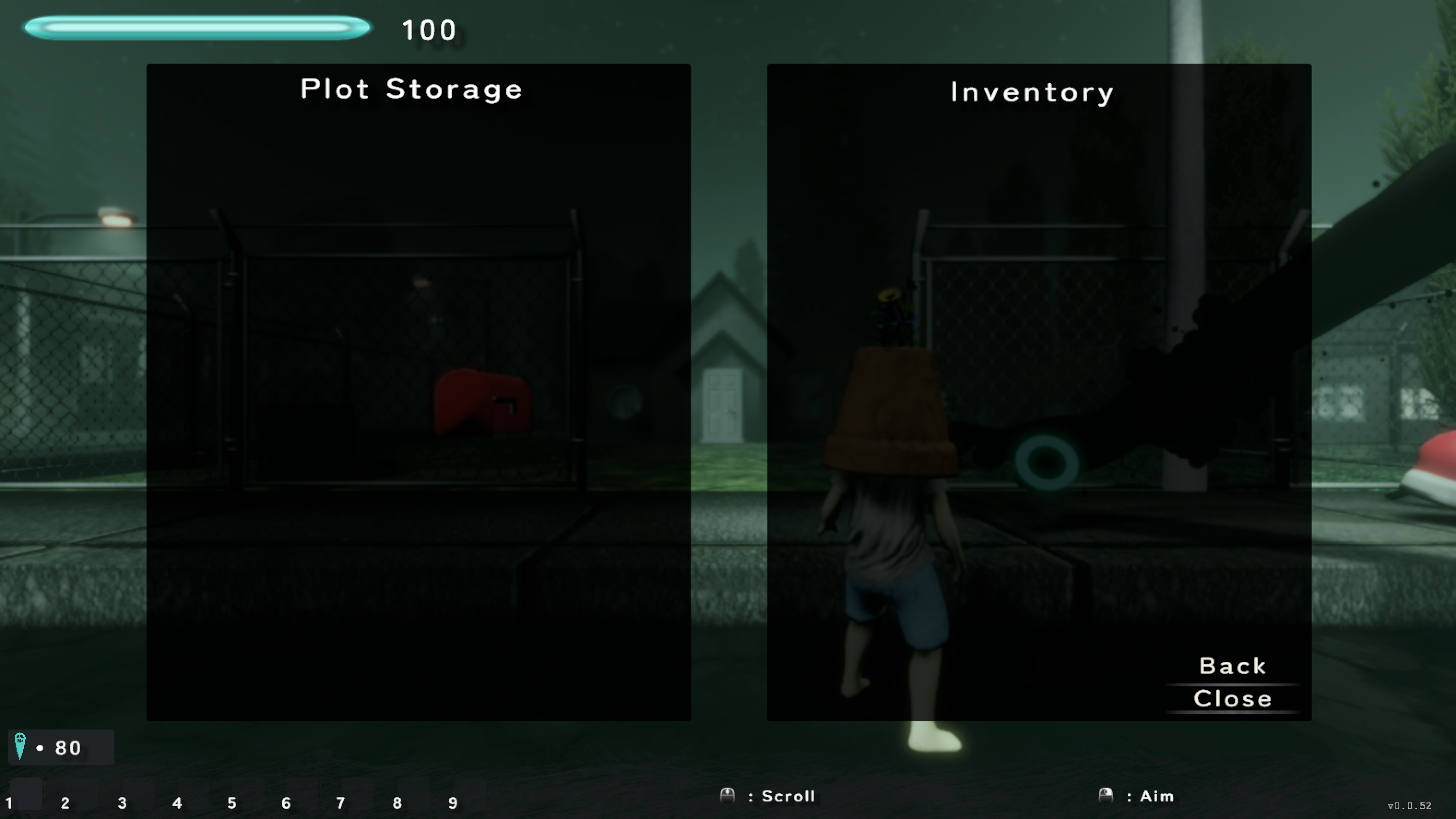
Plot Inventory / Storage PLAIN #06
UI/Inventory/Inventory Storage.prefab
Inventory Storage › { StoragePanel (Plot Storage),
PlayerInventoryPanel (Inventory), Back, Close }
two flat dark panels — not yet chalked
Shops & Storage all ShopCanvasBase_* share one ShopPanel layout
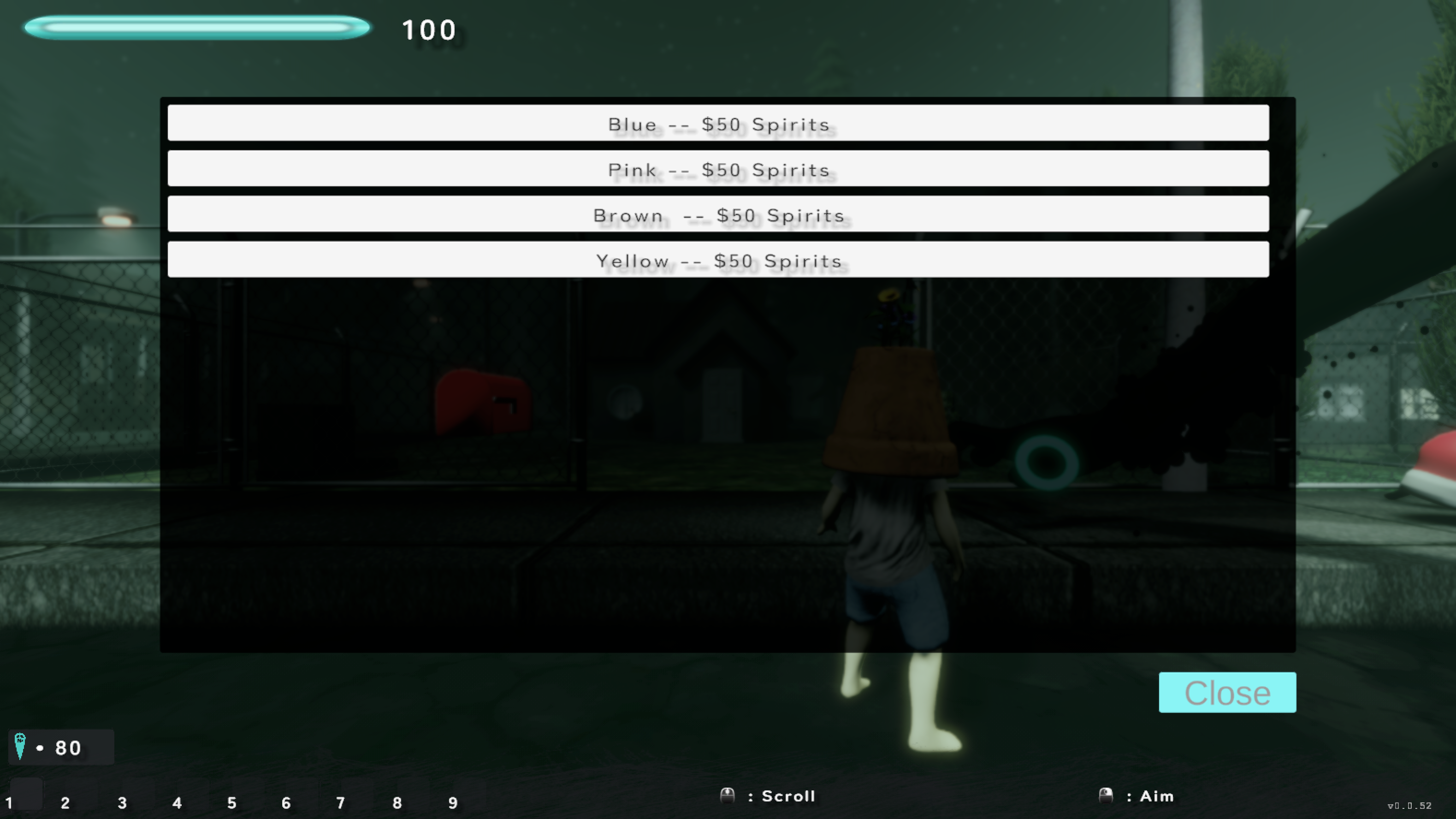
Exterior Wall Shop PLAIN #14
ShopCanvasBase_ExteriorWall (LobbyScene)
ShopPanel › { Scroll View › [white rows], CloseButton }
shared by ~9 ShopCanvasBase_* variants:
ExteriorWall · InteriorWall · InteriorFloor · Roof ·
Fence · RoomSize · IceCream · Farmer · Fisherman
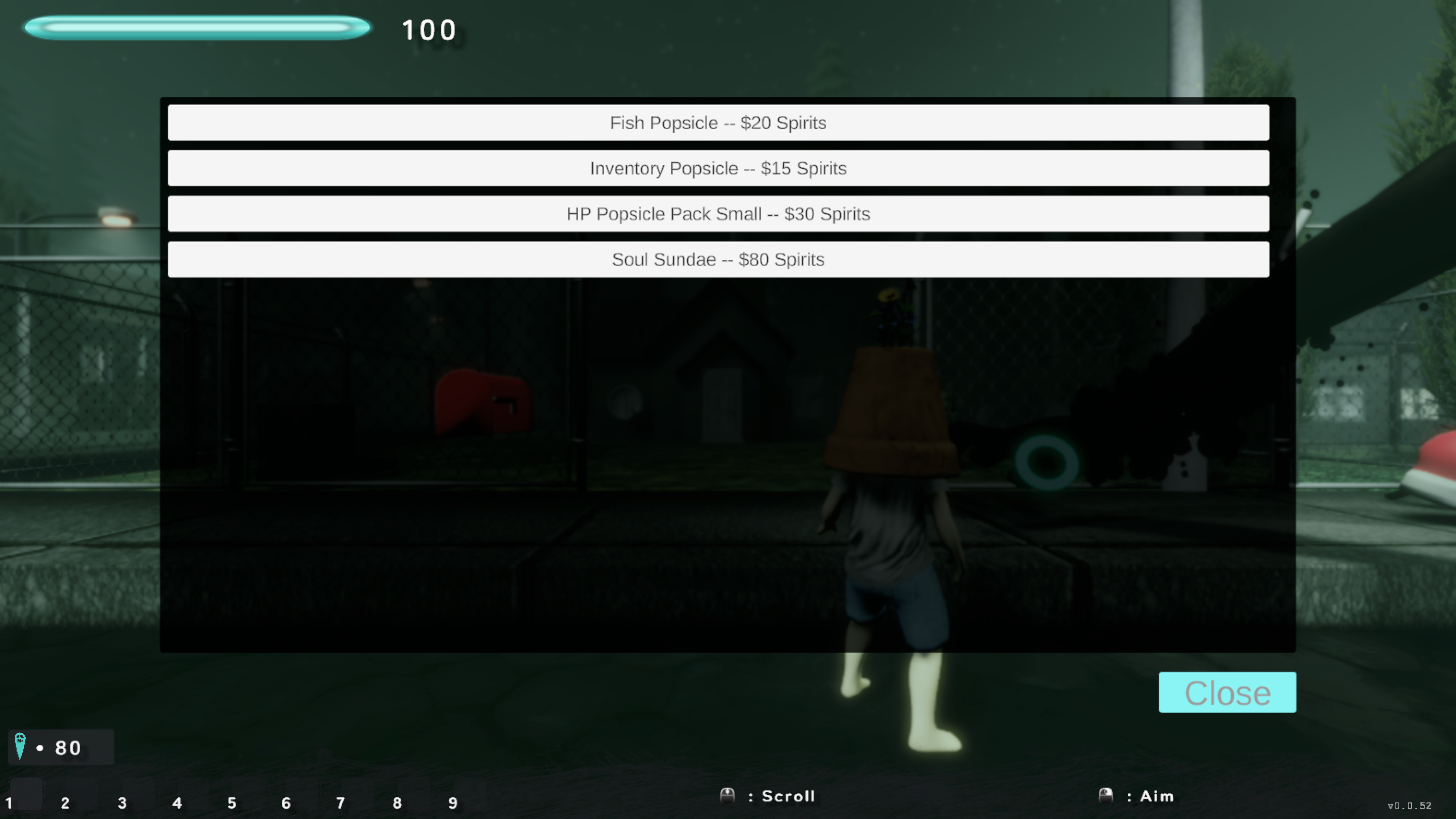
Item Shop (Ice Cream) PLAIN #15
ShopCanvasBase_IceCream (LobbyScene)
ShopPanel › { Scroll View › [consumable rows], CloseButton }
same layout — transparent panel, white rows, teal Close
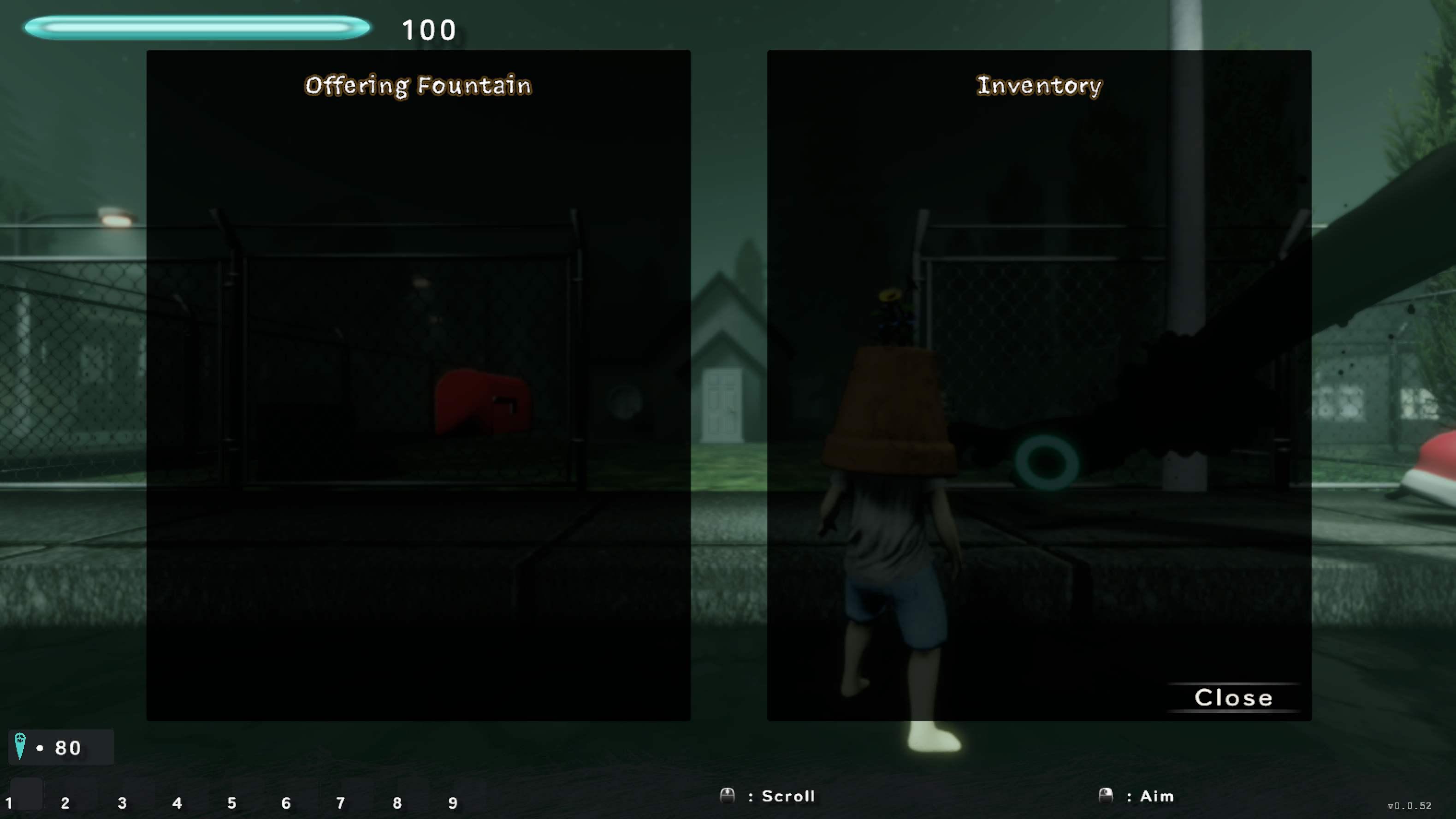
Temp Storage (Offering Fountain) PLAIN #16
runtime canvas
TempStorageCanvas › Temporary Storage › {
StoragePanel (Offering Fountain),
PlayerInventoryPanel (Inventory), Close }
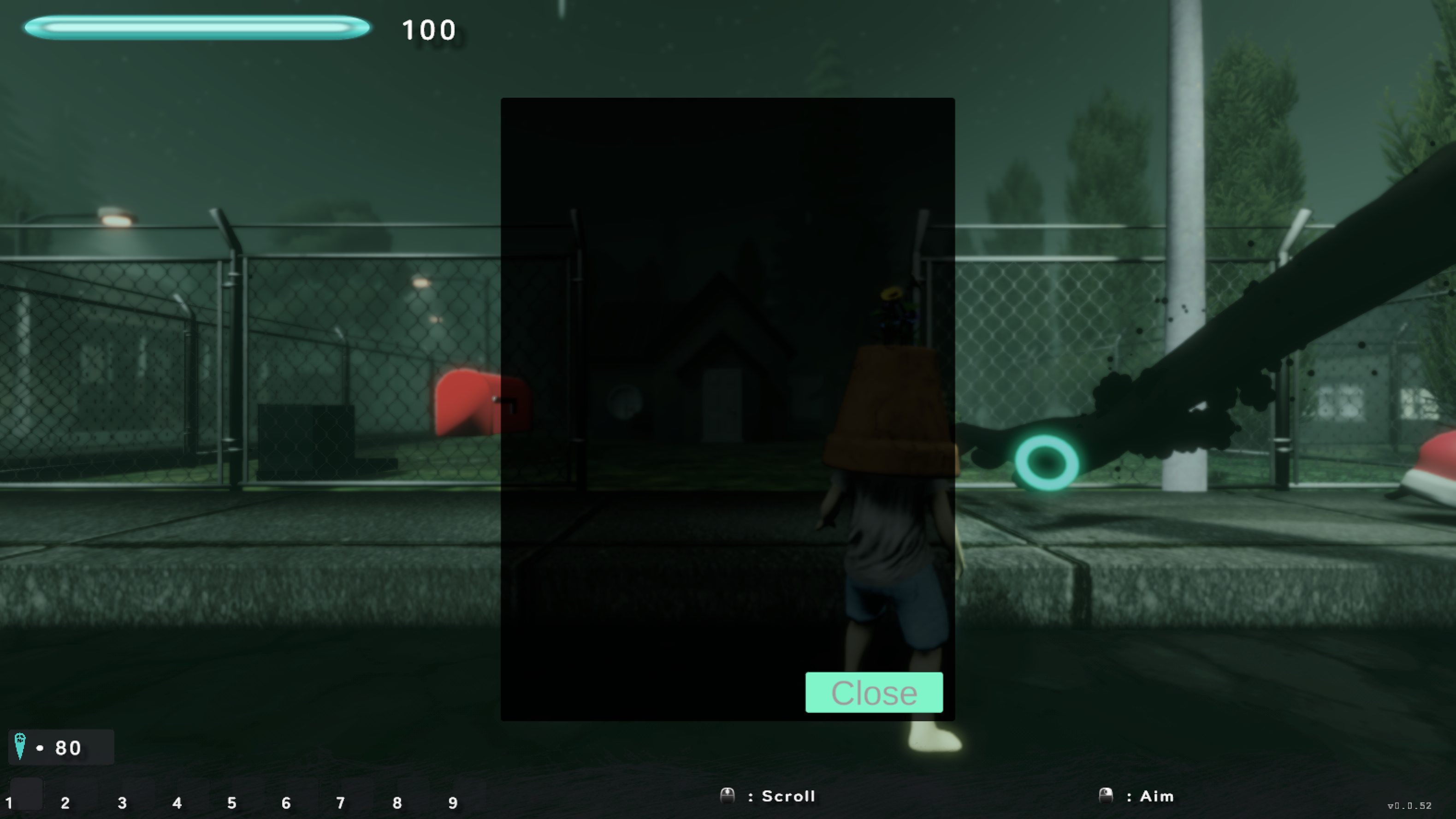
Fish Container PLAIN #17
FishContainerCanvas
FishContainerCanvas › ShopPanel › {
Scroll View, CloseButton }
flat dark panel